
Talwinder Concert Ai Photo Editing Prompts
Hello friends, in today’s article I have brought a completely new prompt for you, the name of this prompt is – Talwinder AI Photo Editing Prompts, the prompt with this prompt is becoming very viral these days on all social media platforms like Instagram, Facebook and YouTube Shorts. Using these prompts, you too can create your own trending Talwinder AI photo that looks just like the original.
In today’s post, I will explain to you in full detail how you can create these photos using Google Gemini prompts. So friends, read this article from beginning to end. Don’t skip anywhere. So now look at the photos and prompts given below and choose your favorite prompt and start creating your amazing image.
Platform Links
Talwinder Concert Ai Photo Editing Prompts (2)
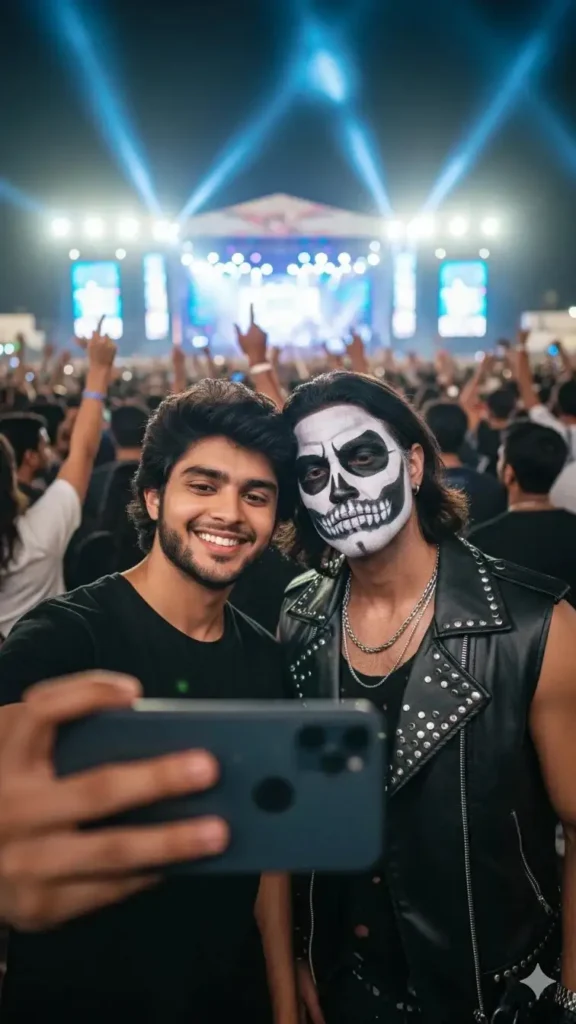
Selfie
Create a realistic selfie of two men at a live concert with bright stage lights and a crowd in the background.The first person (user) wears a black T-shirt, and his face, hairstyle, and skin tone must exactly match the reference image, no changes.The second person (Talwinder) looks exactly like his reference photo, same skeleton makeup, outfit, and accessories.Both look natural and close together as if taking a selfie.The image should look ultra-realistic, cinematic, and professionally lit, with both faces 100% matching the references.–ar 3:4 –v 6 –style realistic –quality
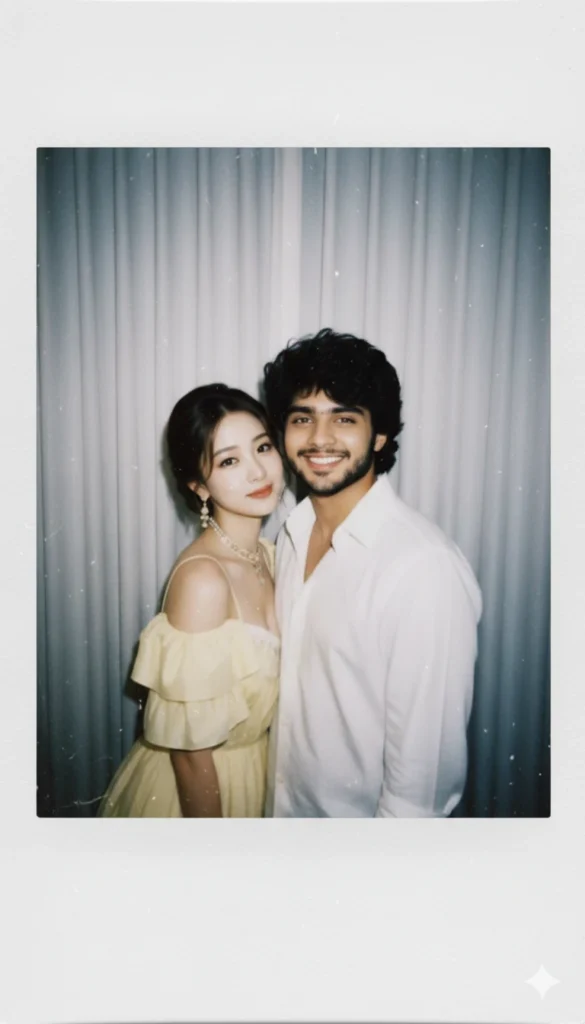
Couple New
Take a photo taken with a Polaroid camera.The photo should look like an ordinary photograph, without an explicit subject or property. The photo should have a slight blur and a consistent light source, like a flash from a dark room, scattered throughout the photo. Don’t change the face.Change the background behind those two people with white curtains. With that boy and me make a cute poses”